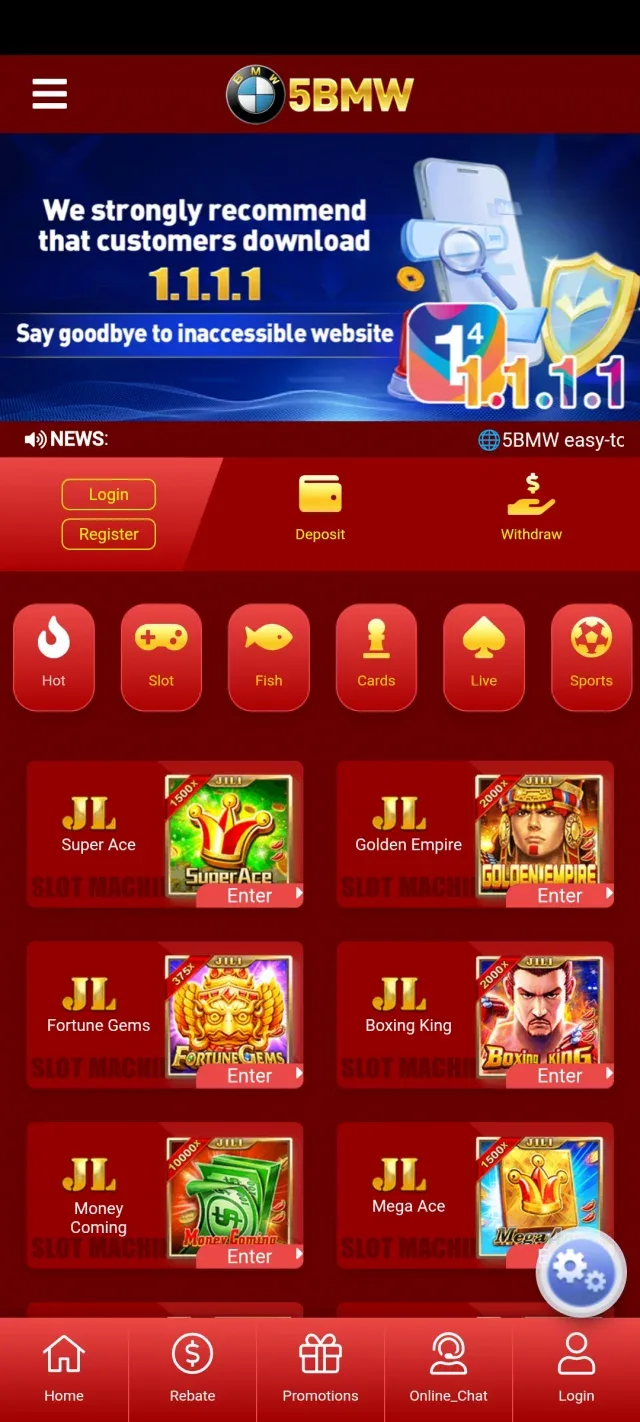
5BMW APK Download
APP install guide · Real device tested
This is the Android package used in our latest test
Platform
AndroidiOS
- Version
- 2.4.8
- File Size
- 28.58MB
- Updated
- 19 Aug 2026
- Tested On
- Samsung A14 Android 14
How to Install
- 1
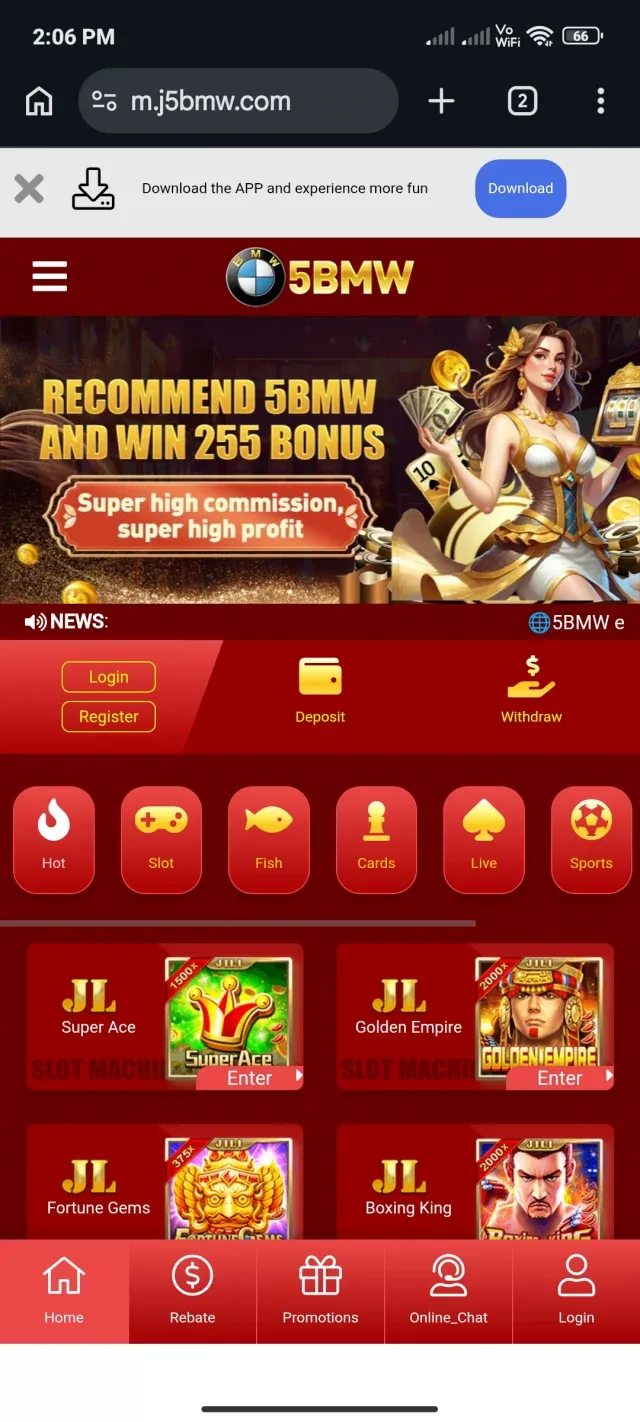
Visit website page and click on blue icon
Tap the blue button on top right screen side
- 2
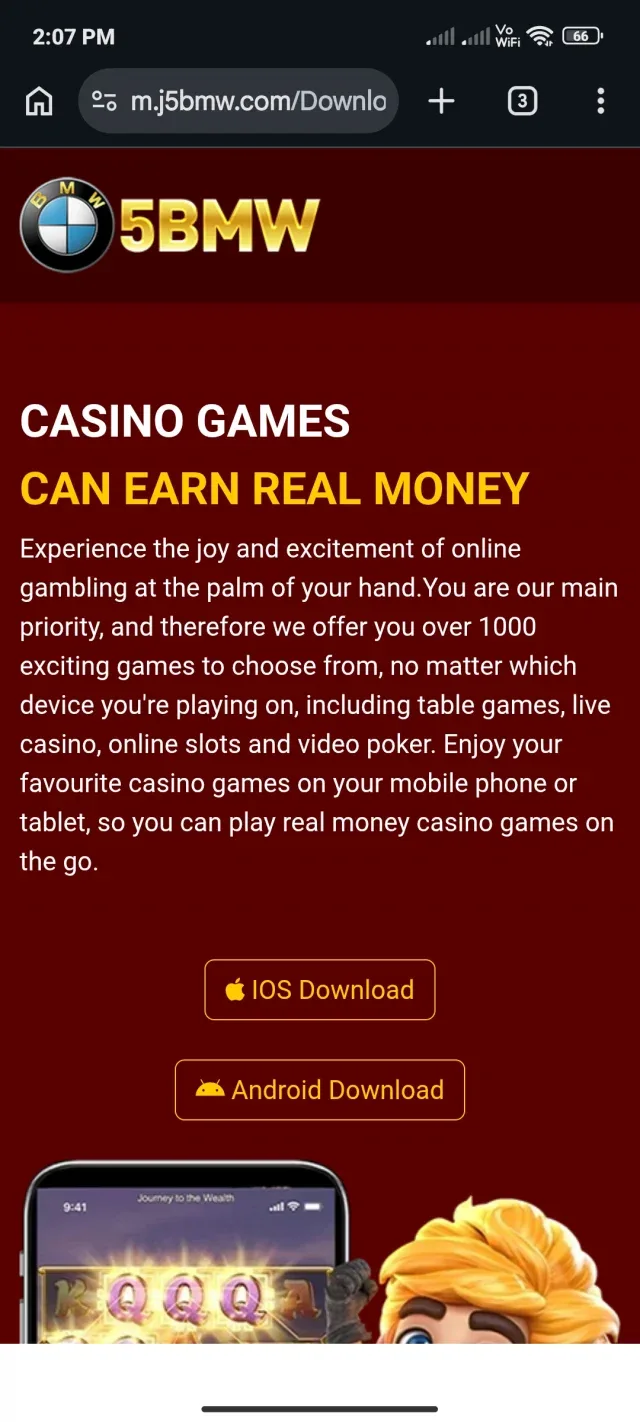
Android or IOS
Click on any 1 option as per Mobile and download APK file
- 3
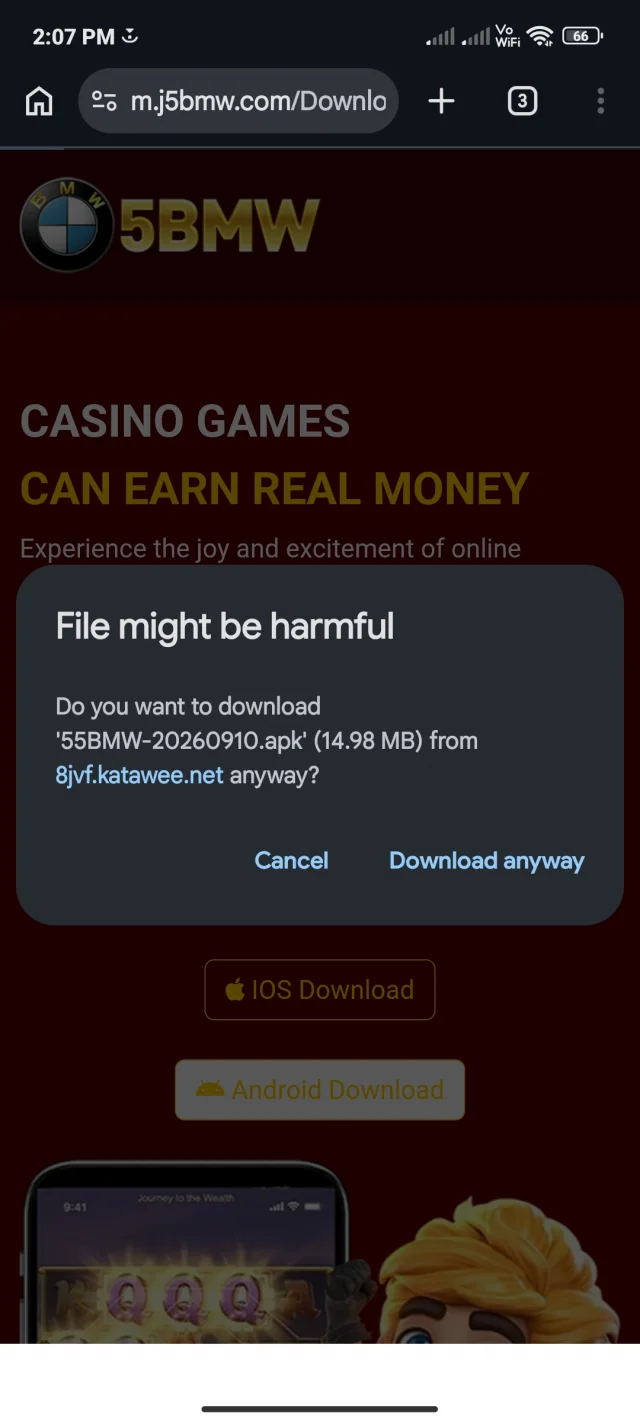
If Chrome shows a warning
Tap Download anyway or Keep file. This is normal for APKs not from Play Store.
- 4
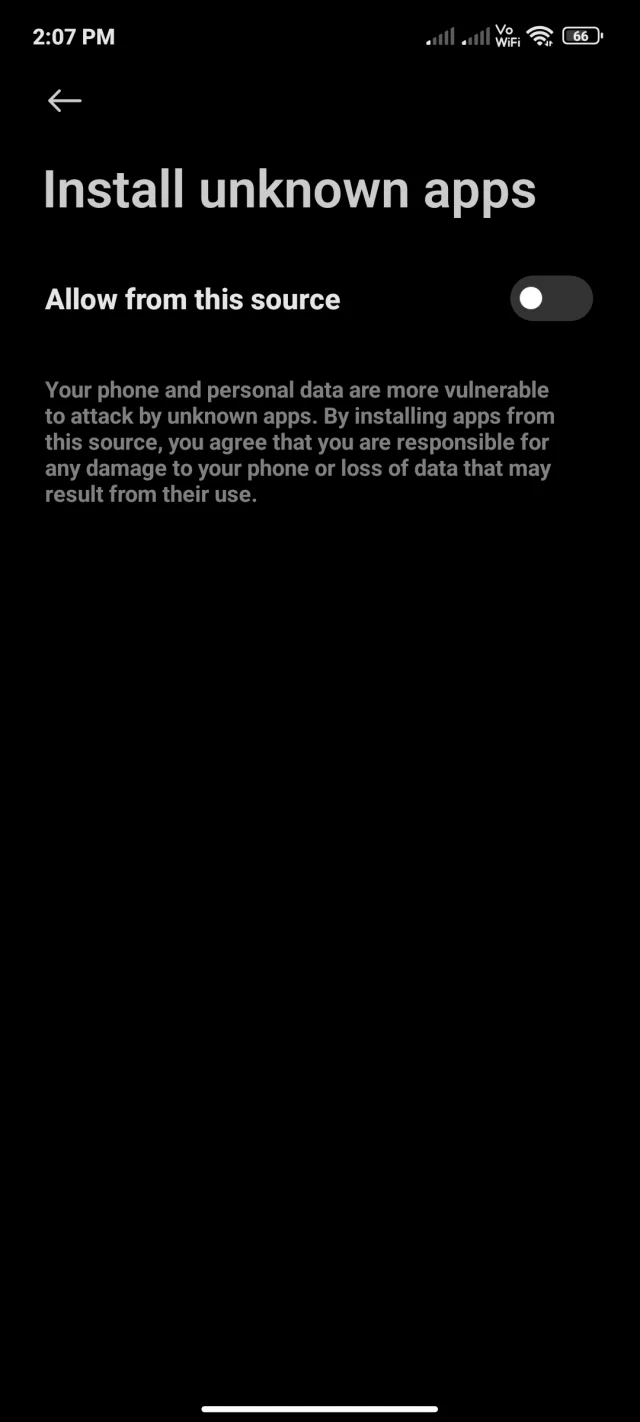
Allow install from unknown sources
Go to Settings -> Apps -> Special access -> Install unknown apps -> select your browser -> Allow.
- 5
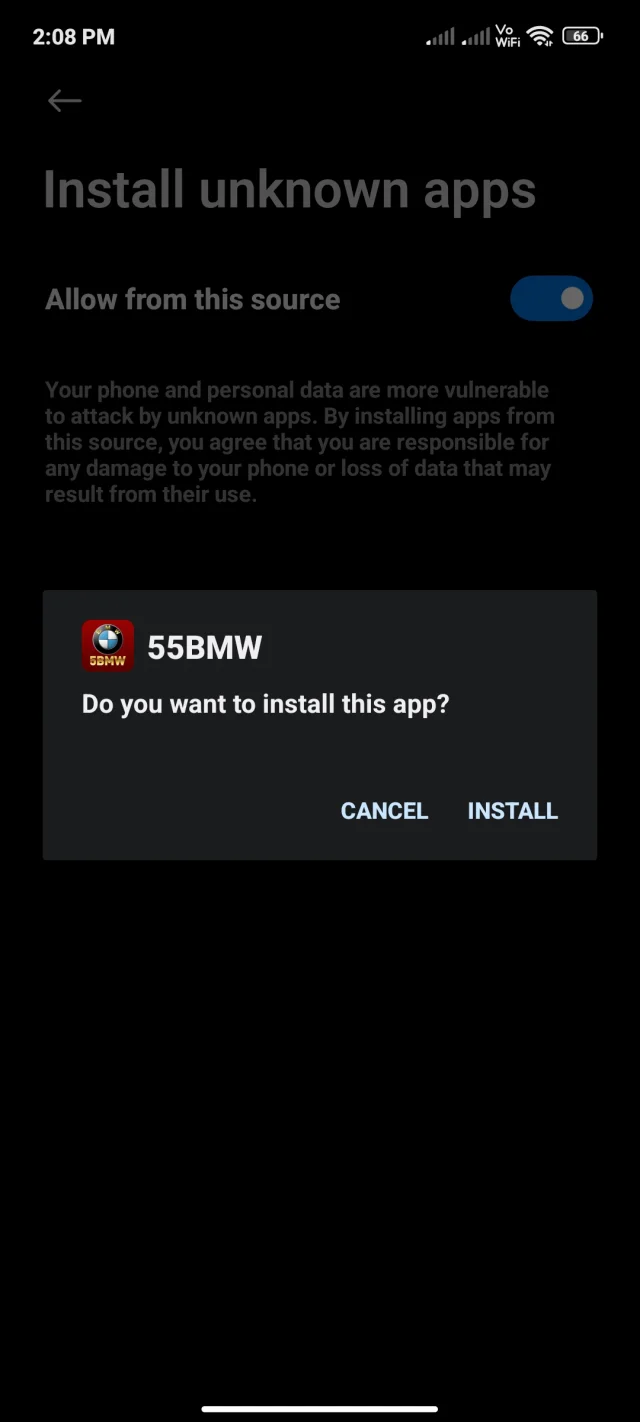
Open the APK and install
Open the downloaded file from notification or Files app. Tap Install. It usually takes less than 1 minute.
- 6
Open the app and log in
After install, open it. You still need to register or login with your mobile number. The app looks more faster than website.